01 Venue
Drop in the venue.
Upload a .glb or .gltf stage. Every LED wall, totem and projection surface becomes a screen.
Stage Design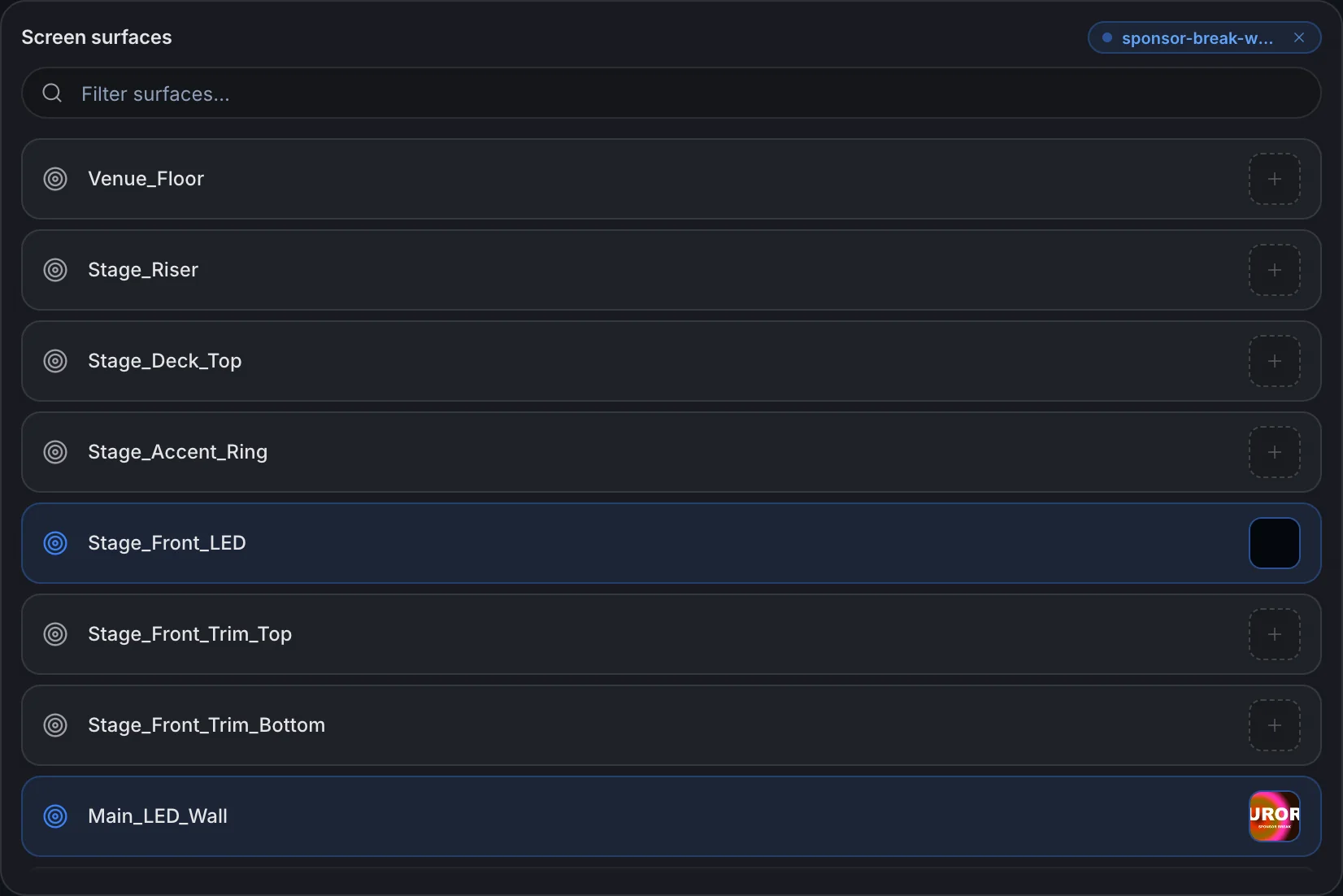
02 Play
Content on the real curve.
Clips play on the venue geometry, not flat rectangles standing in for it.
Video Mapping03 Comps
One comp per look.
Each comp has its own media and timing. Switch and the stage re-dresses.
Event Visualization04 Timeline
A track per screen.
Trim, slide, stack an overlay, loop the middle of a clip.
LED Wall Content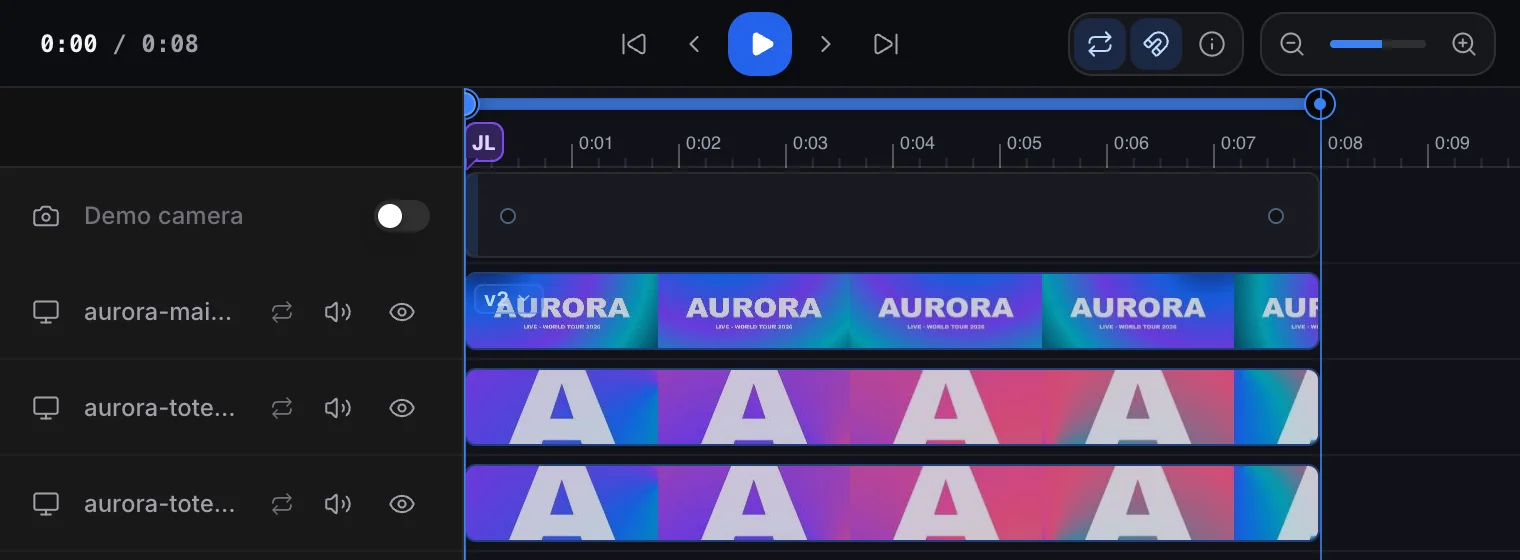
05 Cameras
Every seat in the house.
Save cameras from the seats that matter and fly between them. Keyframe moves on Pro.
Stage Blocking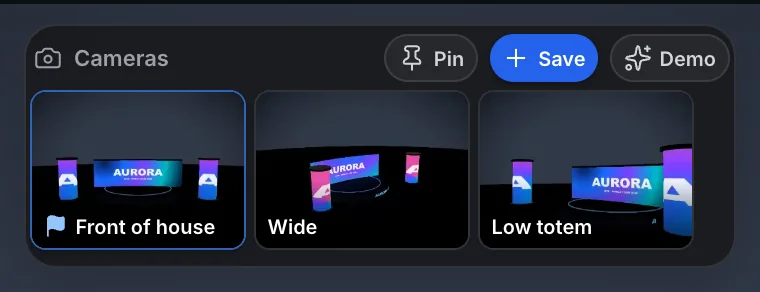
06 Notes
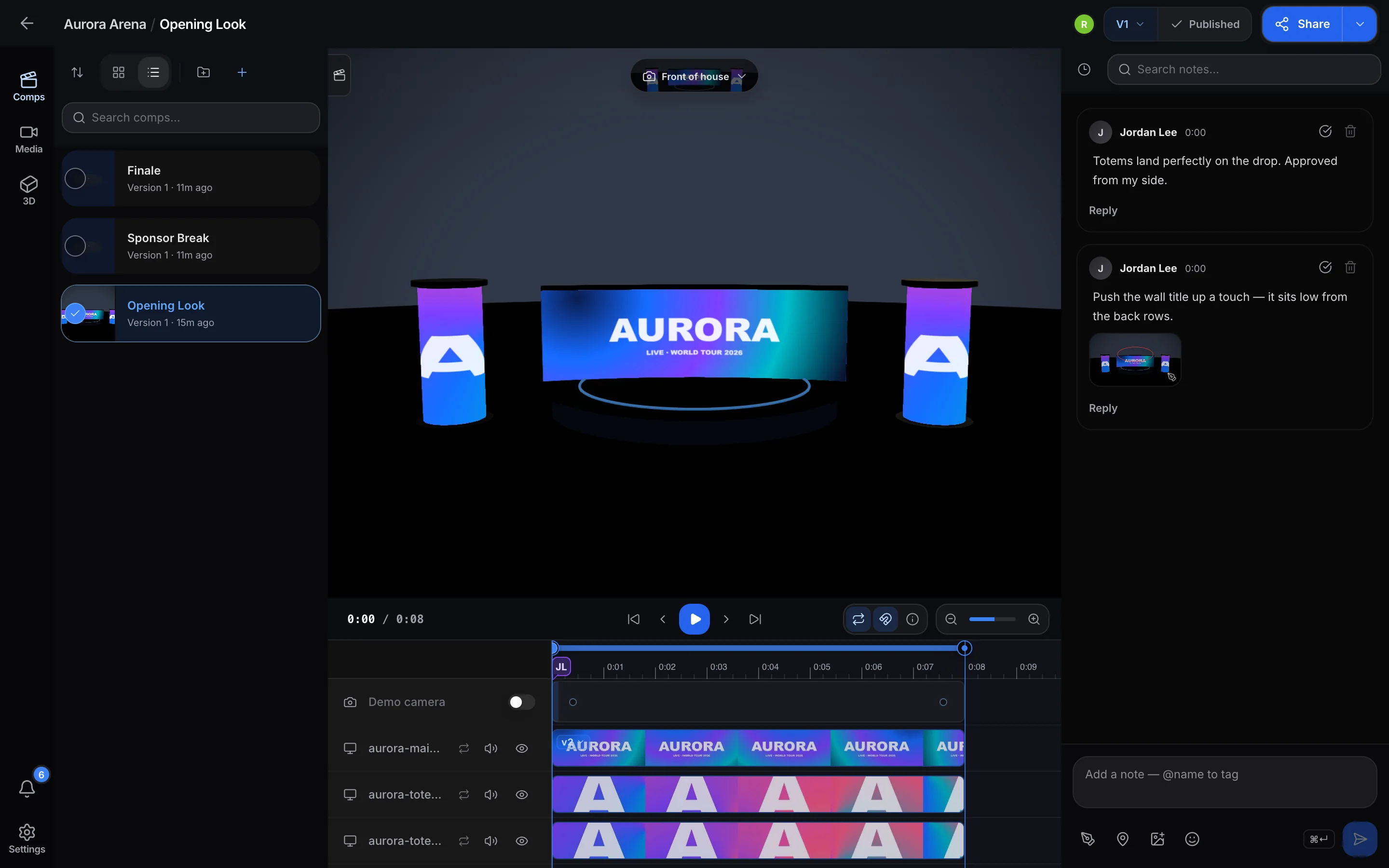
Notes on the frame.
A note pins to the moment you were watching. Draw on the picture when words are not enough.
Review Workflow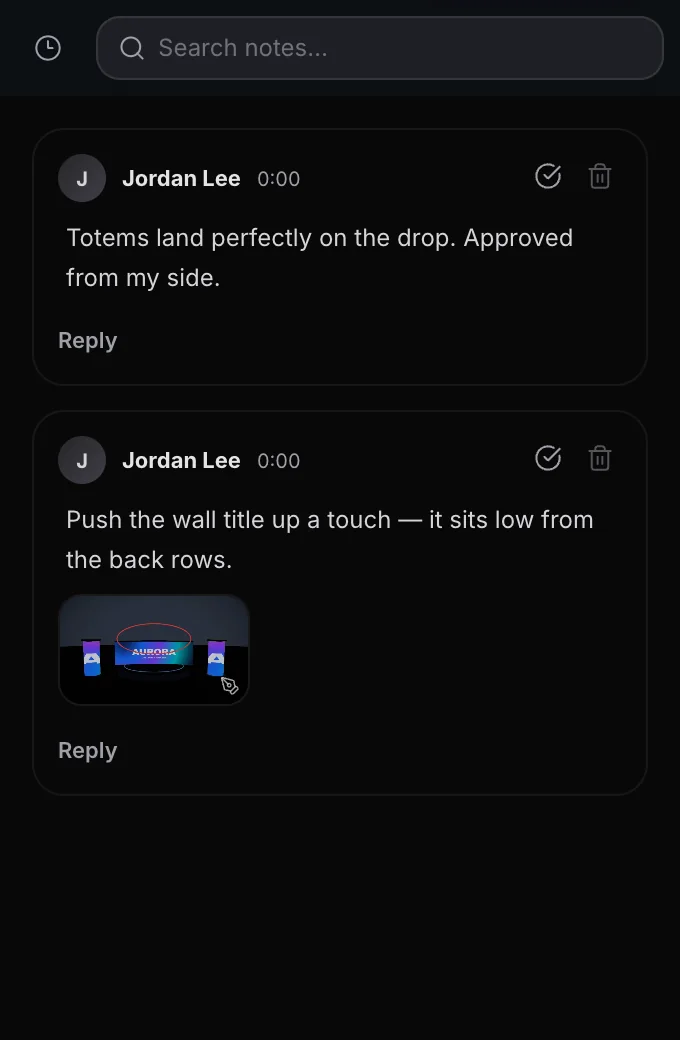
07 Versions
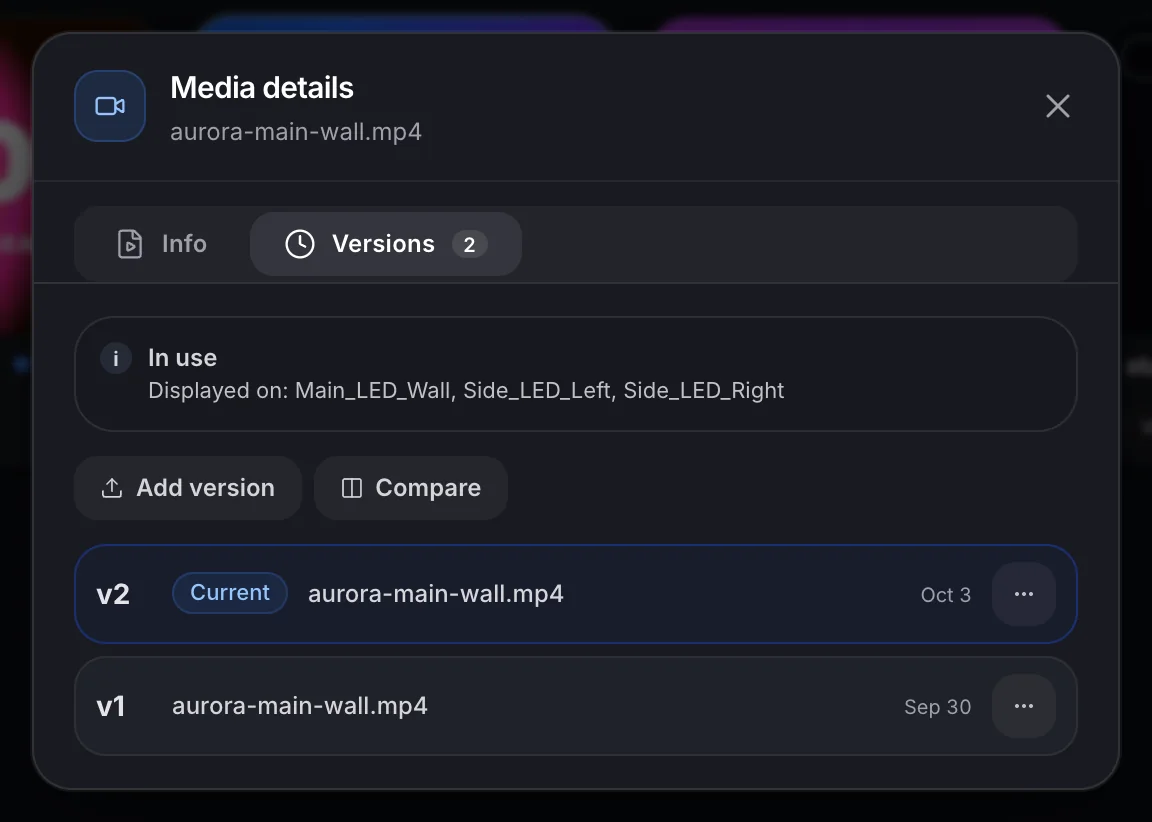
Versions that stack.
Upload a new cut on top of the old one, then play both in lockstep.
Content Management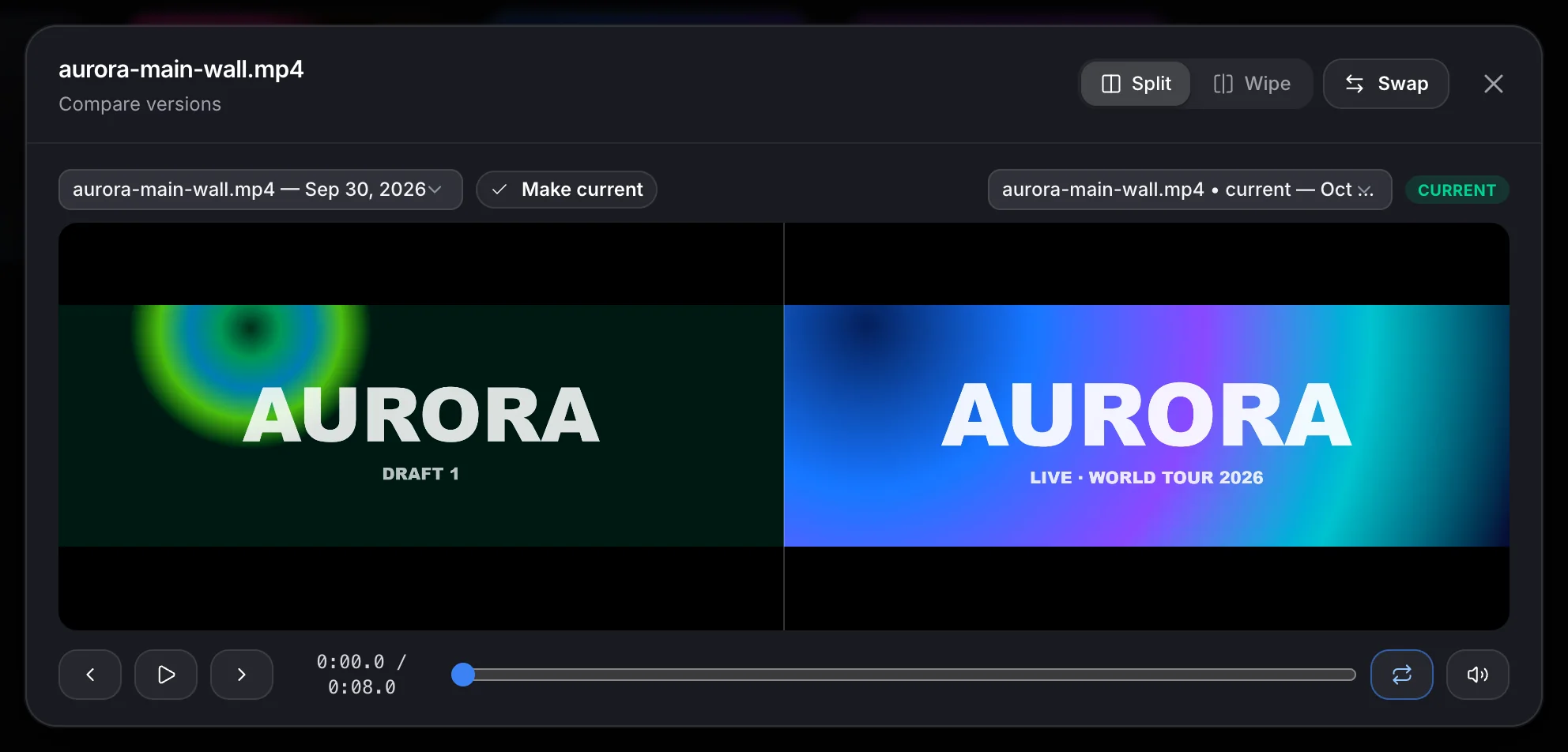
08 Review
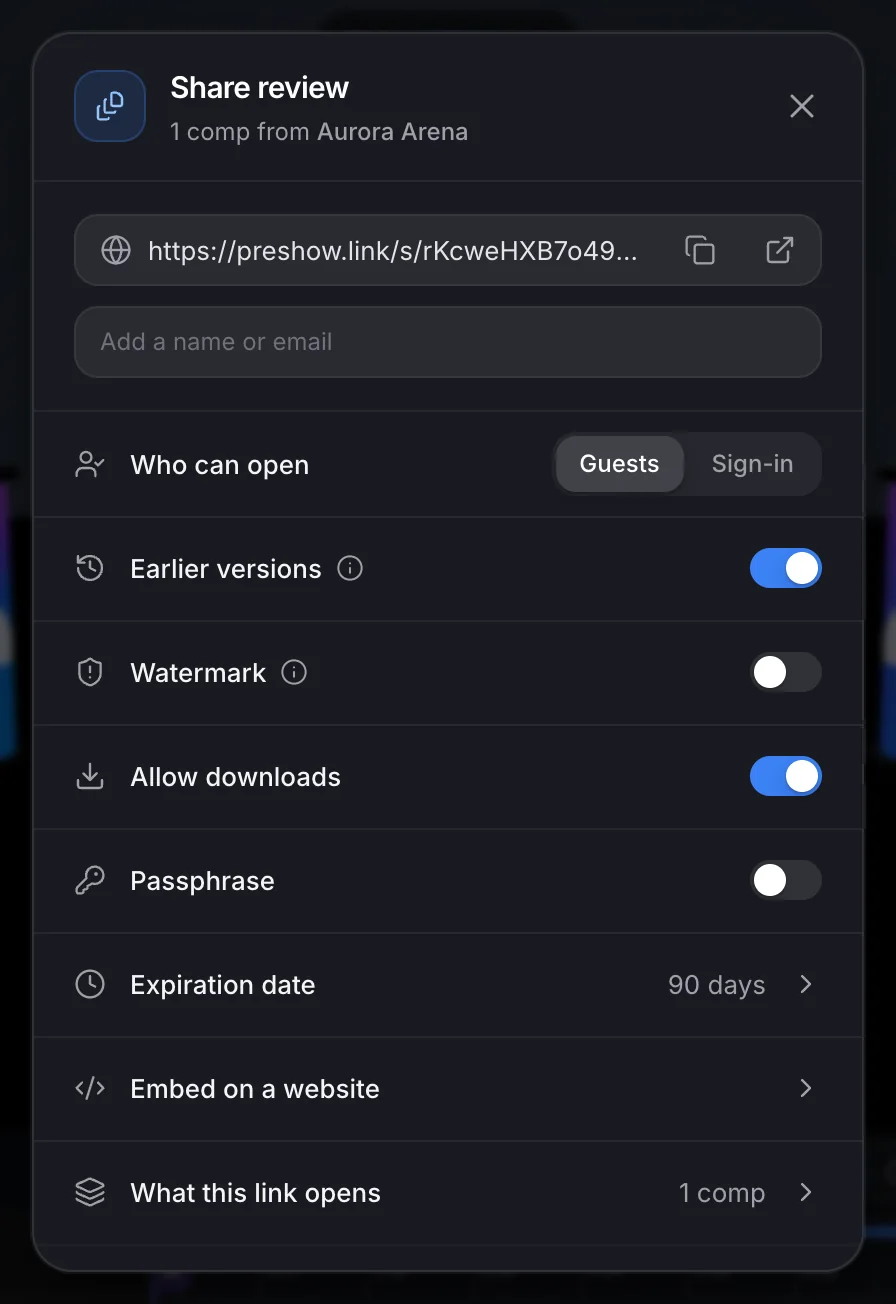
Send it. Get sign-off.
Guests or sign-in, passphrase, logo watermark, expiry. Clients note and approve the cut.
Review Workflow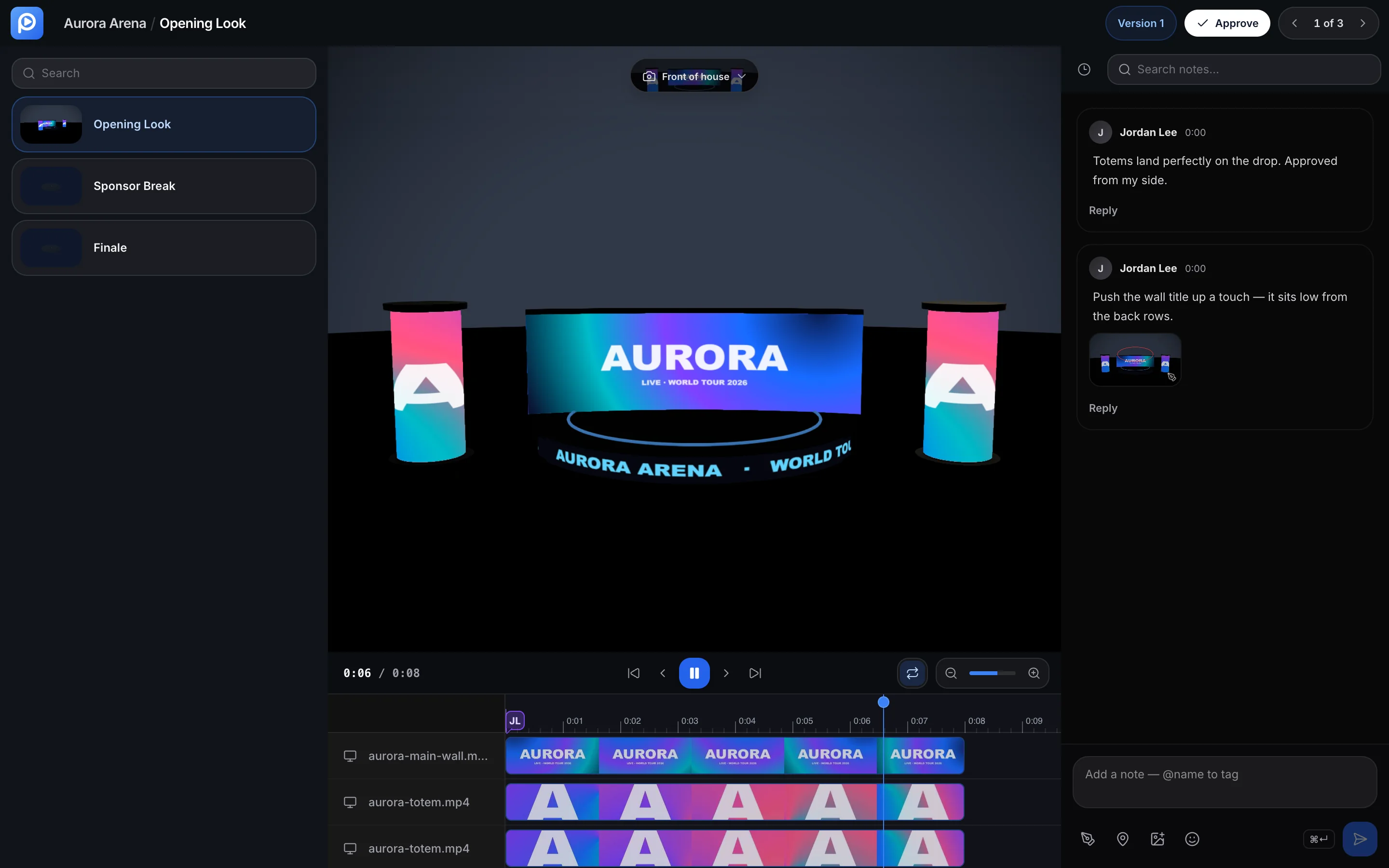
09 Export
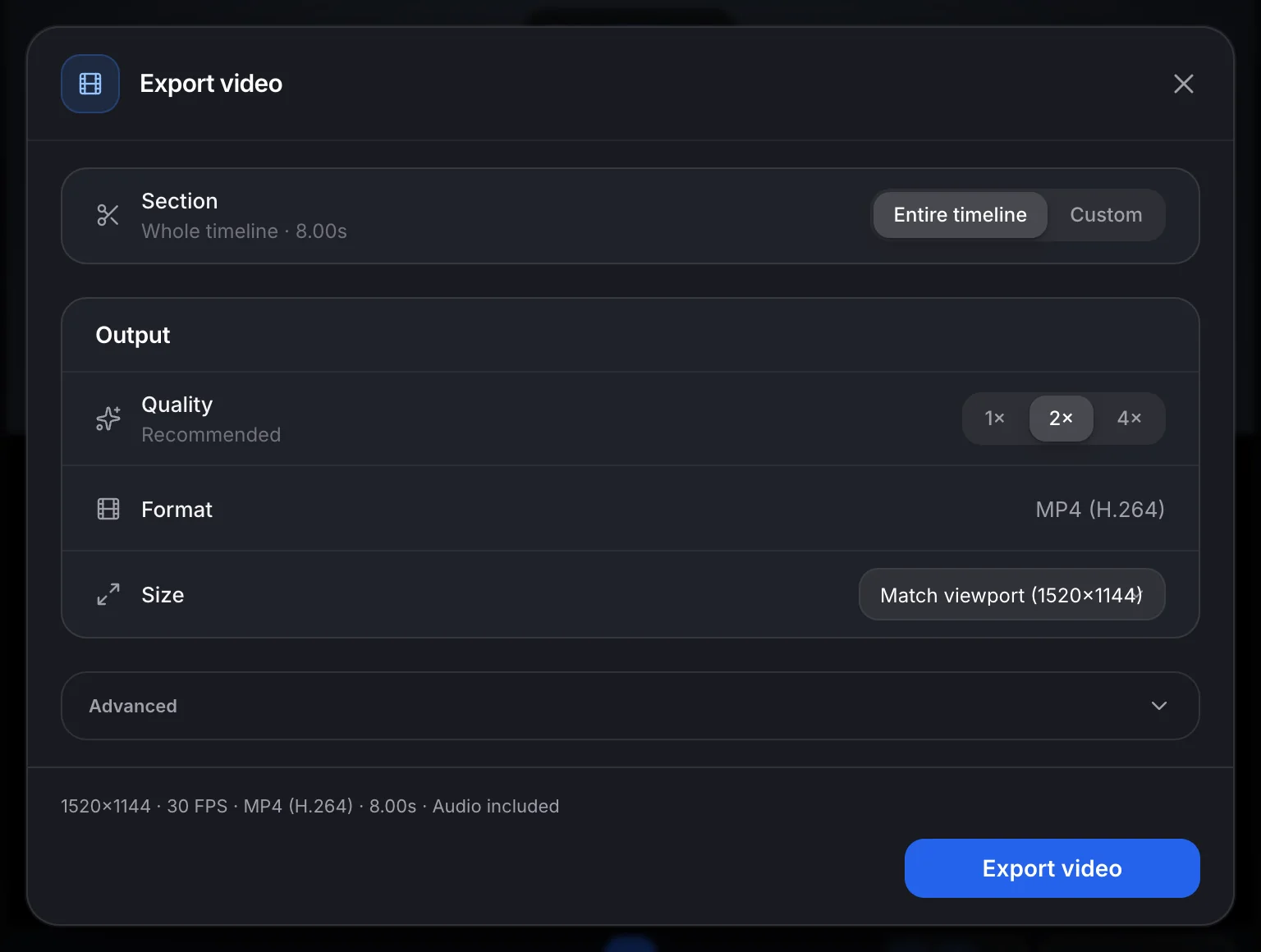
A real file out.
Frame-accurate H.264 MP4 on Pro. Max hands long renders to the render farm.
Show Control